
2.7 Informatics / Natural Science: AI for a Real School Problem
Can AI Help Us Sort Waste at School?
Subject: Informatics/Natural Science · Target Group: 7 (age 13–14) · Duration: 1 double lesson · AI: Learning WITH AI
| AI-related competencies (DUAL.AI.TEACHer Framework) – teacher level | Subject-specific learning objectives – student/learner level |
|
AF-TL-2b (AI foundations and applications × Teaching & Learning, Level 2 – Reflective Implementation):
“Teachers understand basic principles of AI and machine learning and can demonstrate them through practical examples.”
AF-FC-2b (AI foundations and applications × Facilitating Learners’ (AI) Digital Competence, Level 2 – Reflective Implementation):
“Teachers can guide students in experimenting with AI tools, testing their outputs and critically reflecting on their reliability.” |
By the end of the lesson, students can:
|
Take-home message: AI can help with real-life problems, but it does not automatically understand what it sees. It learns from examples provided by people, and its results must therefore be tested and evaluated.
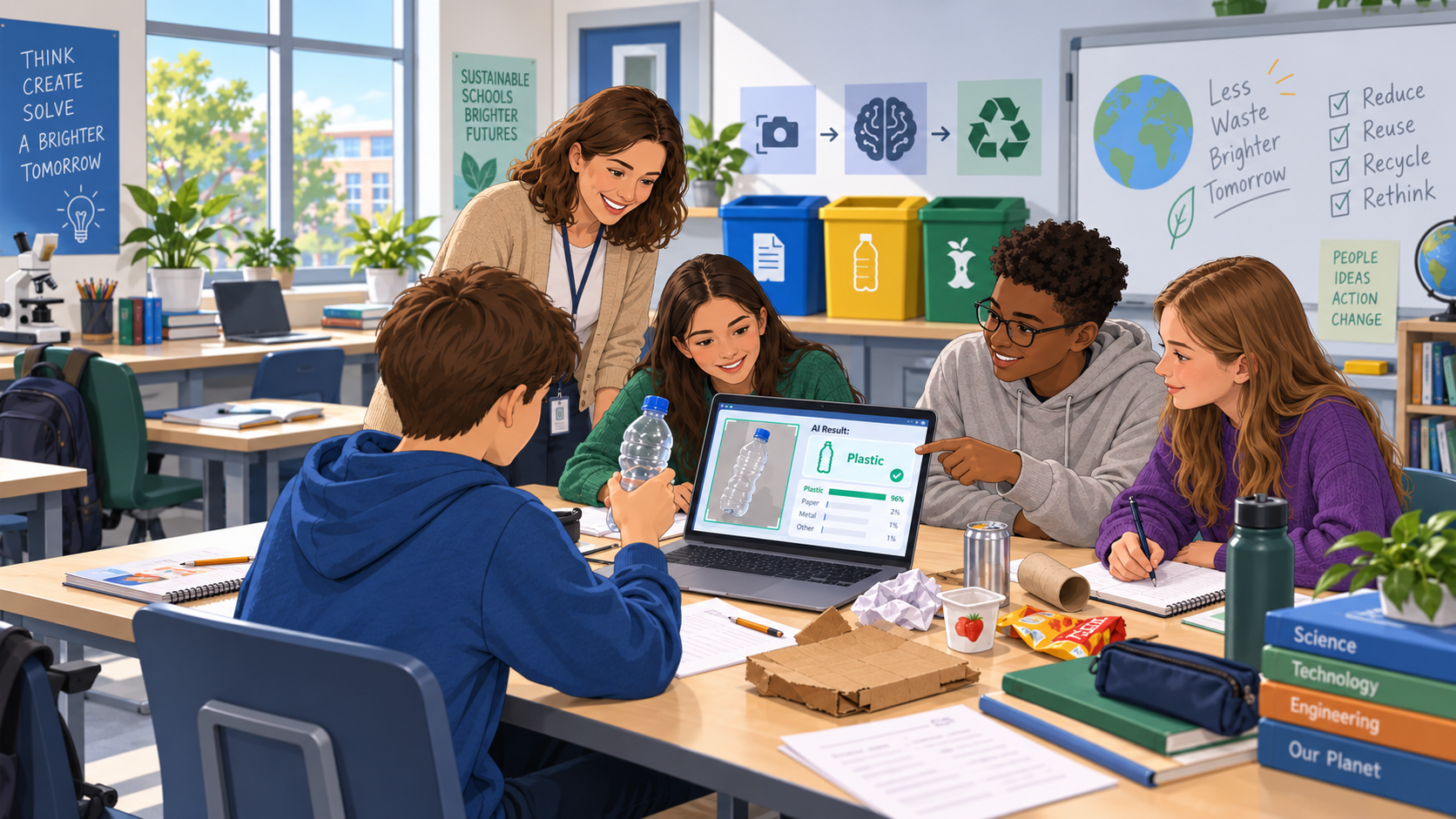
Fig 1. Image generated with ChatGPT (GPT Image 2), September 7, 2026.
Content
Waste sorting is an everyday issue in many schools. Students use paper, plastic bottles, food packaging and other materials every day, but these items do not always end up in the correct recycling bin.
This familiar situation provides a simple way to explore how artificial intelligence works. Students investigate whether an AI system could recognise an object and recommend which recycling bin it belongs in.
During the activity, students create a basic image-classification model with categories such as paper, plastic and other waste. They provide the AI with several examples, train the model and then test it with new objects.
The activity demonstrates an important principle of machine learning: the AI learns patterns from the examples it receives. If the examples are too similar, incomplete or poorly selected, the model may produce unexpected results.
Students therefore do more than simply create a working model. They deliberately test it with difficult examples, investigate its mistakes and try to improve it. For example, they may discover that a crushed plastic bottle is classified differently from a normal bottle, or that the background of an image affects the result.
The lesson connects a basic AI concept with a real school situation. At the same time, it encourages students to think critically about reliability and human responsibility: even if an AI system gives a recommendation, people still need to decide whether the result makes sense.
Lesson plan
| Phase | Time | Activity |
| Hook | 10 min | The teacher shows several everyday waste objects and asks students where they belong. The class discusses whether AI could make the same decision automatically. |
| Input | 10 min | The teacher introduces image classification and explains that AI learns from examples. The selected AI tool is briefly demonstrated. |
| Exploration | 20 min | In small groups, students create categories such as paper, plastic and other waste, prepare examples and train their first model. |
| Adaptation 1 | 20 min | Students test the model with new objects and record where it succeeds and where it makes mistakes. |
| Adaptation 2 | 20 min | Students improve the training examples, retrain the model and compare the new results with the first version. |
| Reflection | 10 min | Students discuss whether their AI system would be reliable enough for real use at school and what its limitations are. |
Guiding questions: from AI experiment to real-life application
-
-
Hook – Could AI decide where our waste belongs?
-
The teacher shows several common objects, for example:
- a sheet of paper,
- a plastic bottle,
- a cardboard box,
- a yoghurt cup,
- a pencil.
Students first decide themselves where each object should go.
Then ask:
- Could a computer make the same decision from a camera image?
- How would it know that something is paper or plastic?
- What information would it need?
- Could it ever make the wrong decision?
Introduce the challenge:
Create an AI model that can help students decide which recycling bin to use.
-
-
Input – How does an AI classifier learn?
-
The teacher demonstrates a simple image-classification tool.
Three categories can be created:
Paper – Plastic – Other
Explain that the model does not receive a definition such as:
“Plastic is a material made from polymers.”
Instead, it receives examples and tries to identify patterns.
Ask students:
- If we show the AI only plastic bottles, will it understand all types of plastic?
- How many examples might it need?
- Should all photos look the same?
- What might happen if all paper objects are photographed on a white desk?
Key idea: The examples we provide influence what the AI learns.
-
-
Exploration - Build the first model
Students work in small groups.
Each group collects or uses prepared examples for the three categories.
For example:
Paper
- worksheet
- newspaper
- cardboard
- paper bag
Plastic
- plastic bottle
- plastic cup
- packaging
Other
- pencil
- metal object
- food packaging of another type
- fabric
Students train their first model.
They then test several easy examples.
For each test they record:
Object → Expected result → AI result → Correct / Incorrect
At this stage, the goal is not to achieve perfect accuracy. Students should first understand how the system behaves.
-
Adaptation 1 – Try to make the AI fail
Students now test the system with more difficult examples.
For example:
- a crushed plastic bottle;
- coloured paper;
- cardboard with a plastic coating;
- an object from a different angle;
- an object further away from the camera;
- the same object against a different background.
Ask:
- Which examples did the AI recognise correctly?
- Where did it make mistakes?
- What was different about these examples?
- Could the AI be reacting to colour or background instead of the object itself?
- What information may be missing from the training examples?
Students identify one weakness in their model.
-
-
Adaptation 2 – Improve the model
Each group makes one or more changes.
For example:
- add more examples;
- use different types of paper or plastic;
- photograph objects from several angles;
- use different backgrounds;
- balance the number of examples in each category.
Students retrain the model and repeat some of their earlier tests.
They compare:
Version 1 → Version 2
Ask:
- Did the model improve?
- Which change helped?
- Are there still examples it cannot classify reliably?
- Would adding more data always solve the problem?
- How much testing would be necessary before using the system in reality?
-
Reflection - Would we really use this AI at school?
Introduce a hypothetical situation:
The school wants to install a camera next to the recycling bins. Students show an object to the camera and the AI recommends which bin to use.
Students decide whether they would recommend the idea.
Discuss:
- Would you trust the current model?
- What could happen if it gives the wrong answer?
- Should students always be able to ignore its recommendation?
- What additional testing would be necessary?
- Could the camera create privacy issues?
- Where could a similar AI system be useful outside school?
Students complete:
- Our AI worked well when…
- Our AI had problems when…
- Before using this system in real life, we would need to…
Final reflection question:
When an AI system gives a recommendation, who should decide whether that recommendation is good enough to use?
Materials
-
- Computer or tablet for each group
- Internet connection
- Access to a simple image-classification AI tool
- Webcam or device camera
- Clean examples of paper, plastic and other everyday objects
- Alternatively, prepared photographs of the objects
- Simple worksheet for recording test results
- Projector / interactive whiteboard for the teacher
- Optional prepared table for comparing Version 1 and Version 2 of the model
No comments to display
No comments to display